Review copy · 8 November 2026
Dimitra Zigkaris
Three directions for your website. Each one uses your real works and credits. Open each one on your phone and on a computer, scroll through it, and pin a comment wherever you want a change. Then tell us which direction you prefer.
How to comment
- Tap Turn on comments and sign in with Google as dimitrazigk@gmail.com. You sign in once.
- Open any page. Tap Pin at the top right, then tap the place you mean.
- Write your comment and tap Send. A small screenshot of what you saw is saved with it.
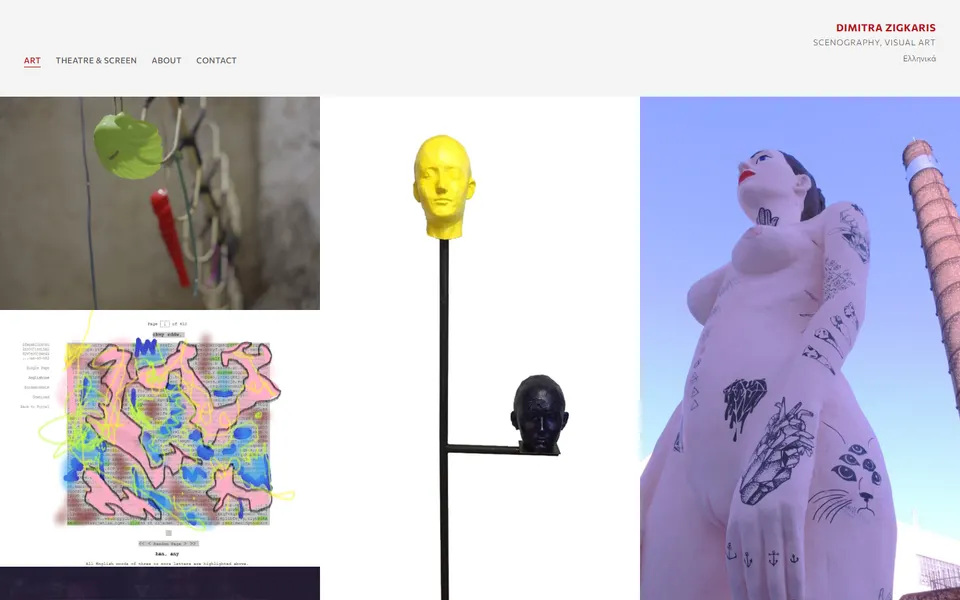
D · Wall
All your works on one quiet wall of images. Each work opens its own project page. Library of Babel shows how a project page and its source pages look.
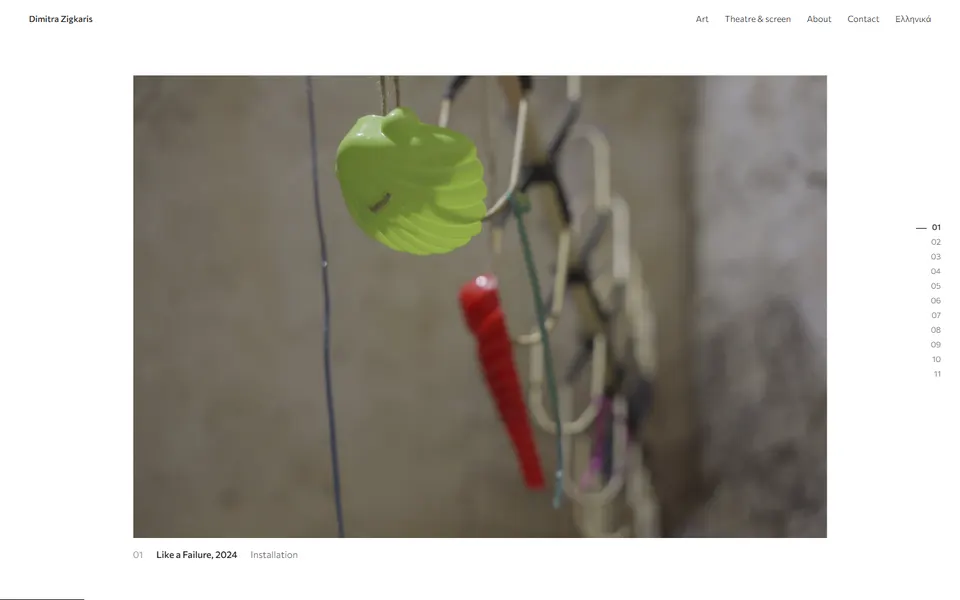
F · Pinned scroll
The page holds still while you scroll, and one work replaces the next. There are three ways to change works. Try all three and choose one.
If your phone or computer is set to reduce motion, F shows a plain list of works instead.